Pick your dates, pick up your terminals in Scarborough, run your event, and get your deposit back.

Choose your rental dates, select the number of terminals you need, and complete your booking in minutes. Your rental fee is collected at checkout — your refundable deposit will be collected as an authorization hold on your card at pickup

Swing by our Scarborough location before your event. Bring your confirmation email and a valid ID. We’ll hand over your terminals, chargers, and everything you need — ready to go right out of the box.

Follow the easy setup instructions in your confirmation email and you’re ready to take payments. Tap, chip, swipe — your customers pay the way they want, and your money goes straight to your account.
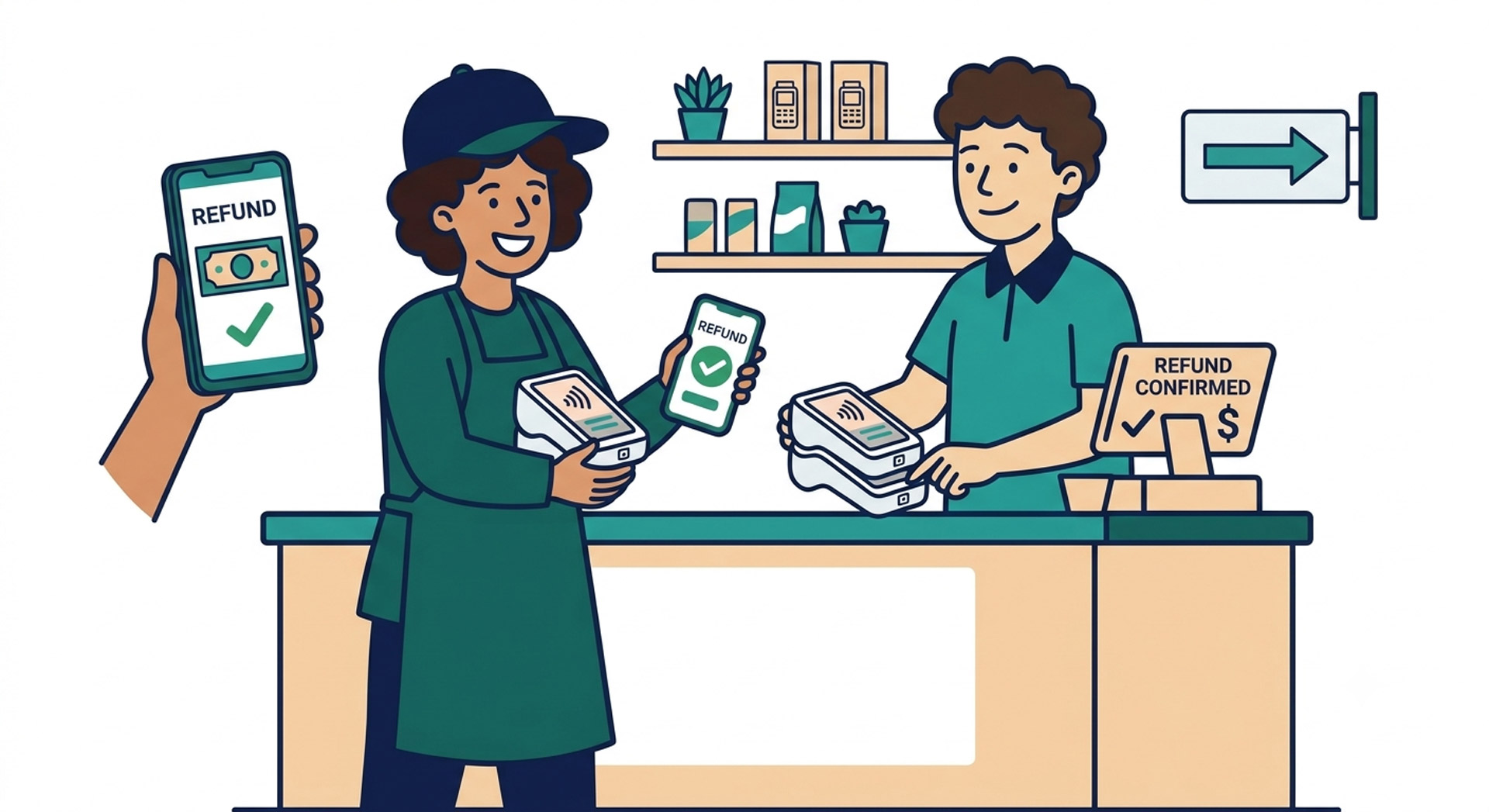
Drop the terminals back in the same condition you received them. We’ll inspect them on the spot and your deposit hold is released right away. No waiting, no hassle.
Book your terminals online in minutes. Pickup in Scarborough, serving events across Southern Ontario.
Book Your Terminals →